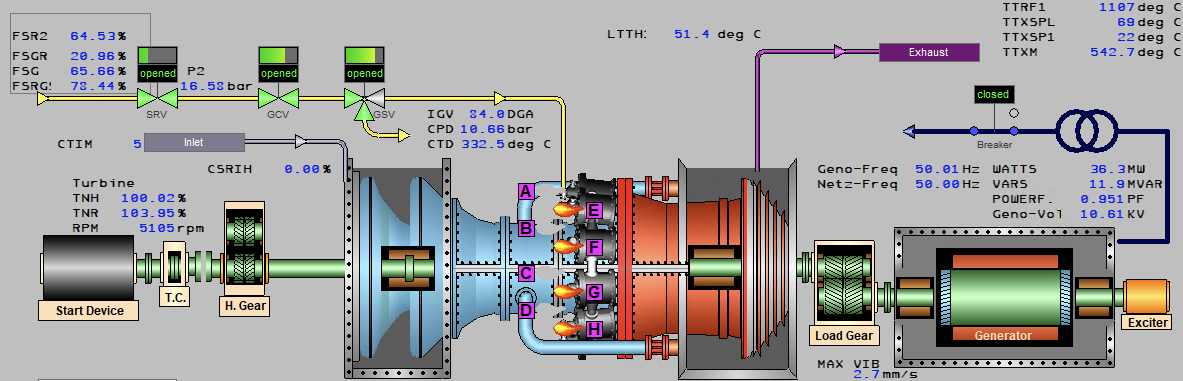
AnimView Syntax
BK - Black
RD - Red
GR - Green
BL - Blue
MG - Magenta
CY - Cyan
YL - Yellow
WH - White
DG - Dark Gray
LG - Light Gray
LB - Light Blue
LC - Light Cyan
LR - Light Red
BR - Brown
DB - Default Background Color
DF - Default Foreground Color
UC - Unit Color
Variant 1 (single signal)
Signalname | ? | Color1 | | | Color2 |
Signalname | ? | Logic = 1 | | | Logic = 0 |
L4T | ? | Red | | | Green |
Variant 2 (two signalnames)
Signalname1 | & | Signalname2 | ? | Color1 | | | Color2 | | | Color3 | | | Color4 |
Signalname1 | & | Signalname2 | ? | Logic = 1&1 | | | Logic = 1&0 | | | Logic = 0&1 | | | Logic = 0&0 |
RUN | & | ERROR | ? | Red | | | Green | | | Orange | | | Gray |
Internal server tags are provided by default from each server application or the TMOS communication protocol itself. Application-specific tags are linked with the leading bus number. These bus numbers are specified as "SYSTEM" entries within the "dataproviders"-table.
@TIME_MSEC
@TIME_SECOND
@TIME_MINUTE
@TIME_HOUR
@TIME_DAY
@TIME_MONTH
@TIME_YEAR
@SCALECODE
@INIT
@USERNUMBER
@UNITNUMBER
@PROCESSMEMORY
@1001.@ACTUALTS
@1001.@STARTTS
@1001.@CONNECTIONS
@1001.@WATCHDOG
@1001.@INBOUND
@1001.@OUTBOUND
@1001.@MEMORY
@1001.@CPUUSAGE
@1001.@PSIGCOUNT
@1001.@PROCNAME
@1001.@RECEIVED
@1001.@SENT
@1001.@BUS
millisecond
AnimView internal signal
AnimView internal signal
AnimView internal signal
AnimView internal signal
AnimView internal signal
AnimView internal signal
0=metric 1=english
boolean, 1 during AnimView initialisation
current user number
current unit number
consumed process memory
maintenance server + actual timestamp
start timestamp
connections count
watchdog counter
inbound bandwidth
outbound bandwidth
process memory usage
process CPU load
process signals count
process being monitored
total received kb
total sent kb
bus number
adds a button in the panel area / write to variable
width | caption | hint | btn_color | picture | close_after_action | action_type | executable | cmdline_params | default_dir | |
integer | string | string | anim_color | string | boolean | TMOS Actions | string if action_type=100 | string | string | |
50 | "GT1" | "Switch to GT1" | UC | "test.bmp" | TRUE | 100 | "animview.exe" | "/file= /unit=..." | "" |
Examples:
ADDPANELBUTTON 50 "GT1" "Switch to GT1" UC "test.bmp" TRUE. 100 "animview.exe" "/file=" ""
x | y | font_color | btn_width | btn_height | caption | signalname | = | signalstate | picture | buttontype | fonttype | fontsize | fontstyle | plc_location | edit_location | visible |
integer | integer | anim_color | word | word | string | string[12] | = | byte | string | btntype | string | byte | fontstyle | location | location | logic |
100 | 100 | BK | 80 | 50 | Test | L4 | = | 1 | "testpic.bmp" | ! | "Arial" | 8 | B | L | B | T/F |
Examples:
BITBTN +10 +10 L86MR1_CPB?{00FFDA}|{000000} 120 30 "Master Reset" L86MR1_CPB = 16 "" ? "Arial" 8 B L
signalstate: values as floating point (5.5) otherwise it is in HEX
multiple signalnames and signalstates: "signalname1, signalname2, signalname3" = "signalstate1, signalstate2, signalstate3"
x | y | color | text | fonttype | fontsize | fontstyle |
integer | integer | anim_color | string | string | byte | fontstyle |
100 | 100 | BK | "this is my text" | "Arial" | 8 | B |
Examples:
TXN +10 +10 BK "Arial" 8 B
Attention: For color switching there is only one logic-signal supported